
Binize 10inch double din Car Play radio with android mirroring app


Binize 10inch double din Car Play radio with android mirroring app
Please note the included wire harness is a standard version, contact the customer service for external needs before purchasing.
| Brand | Binize |
| Applicable models | Aftermarket wireless Car Play radio |
| Size | 10 Inch 2 Din |
| System | Android 10.0 |
| Touch Screen | Yes |
| Resolution | 1024*600 Px |
| Processor |
Quad-core A10 Processor Coretex‐A53 CPU
|
| Storage |
2G RAM + 32G ROM
|
| FM AM | Yes |
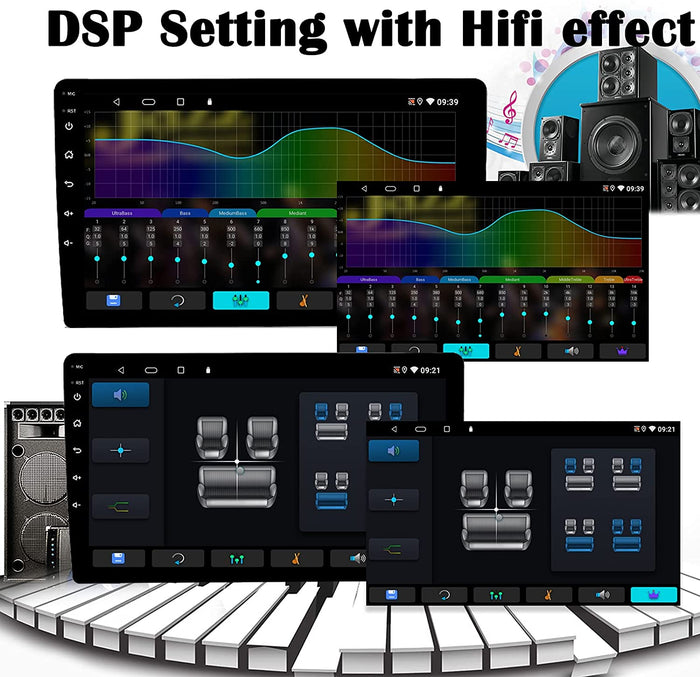
| DSP Setting | Yes |
| Autolink | Yes, Both for iPhone and Android (not for Samsung) |
| Mirrorlink |
Yes, Both for iPhone and Android (not for Samsung) |
| Steering Wheel Control |
Yes |
| Built-In Mic |
Yes |
| Built-In WIFI Receiver |
Yes |
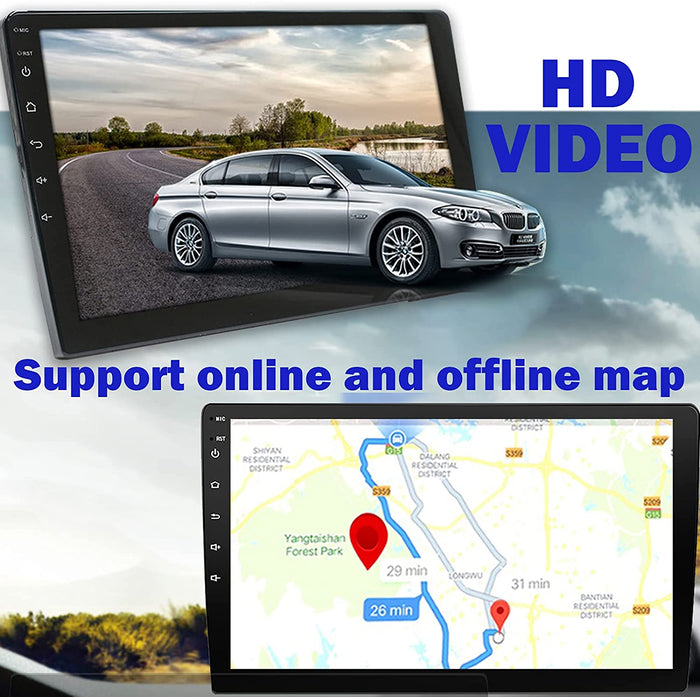
| Offline Map |
Support Offline Map |
| Online Map |
Waze / Google Map, etc.
|
| EQ Settings |
Yes |
| Reversing Camera |
Yes |
| Bluetooth |
Yes |
| External Microphone |
Yes |
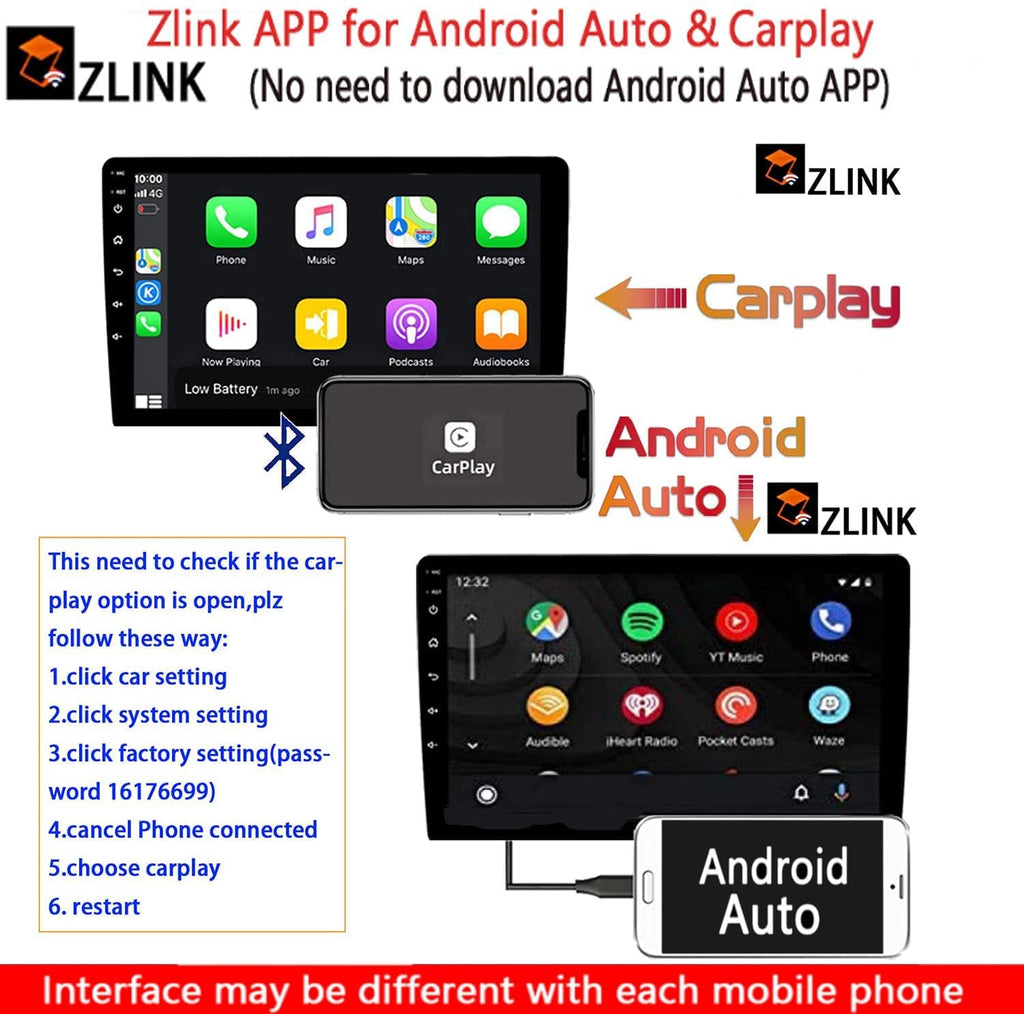
🚦【Compatible with CarPlay & Android Auto 】
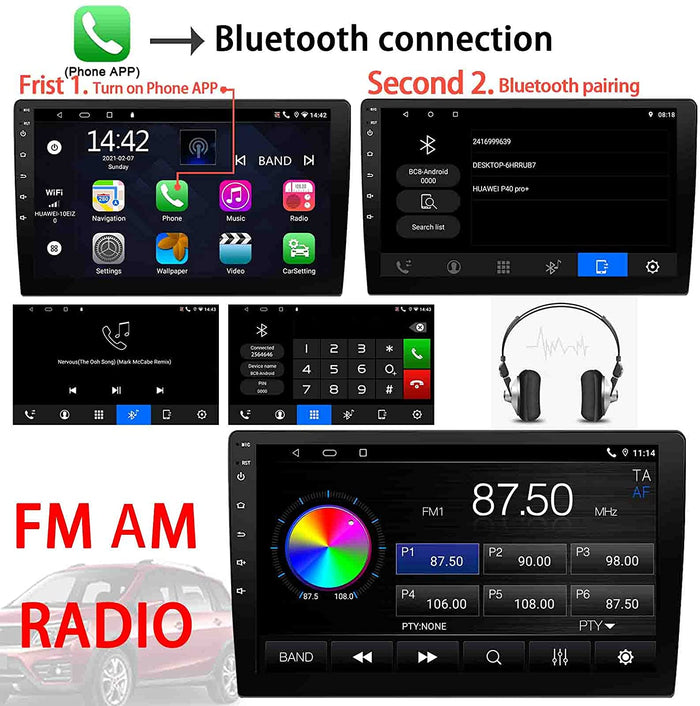
🚦【Separated Phone icon for Bluetooth 】:
🚦【HIFI-DSP & FM/AM Radio 】:
🚦【HD video and accurate Navigation】:
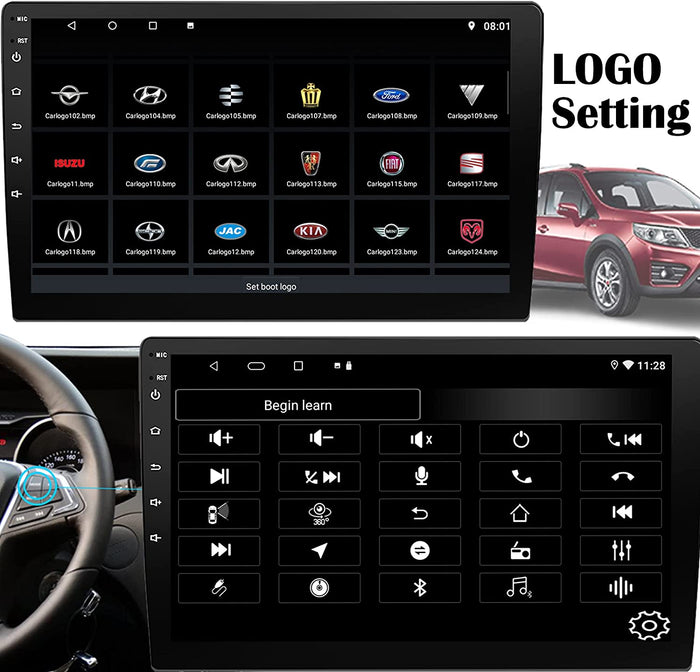
🚦【Cool logo and SW control of Car Play radio】:
NOTE:
For wire connection of BINIZE Car Play radio :
Please note the included wire harness is a standard version, contact the customer service for external needs before purchasing.
For WIFI & Bluetooth of BINIZE Car Play radio :
RCA reverse wire has two little blue wires for WIFI & Bluetooth signal reception. Making it half shorter can strengthen the signal reception.
For BINIZE Car Play radio:
The zlink app is designed for wireless CarPlay, if cannot be found, need to change the option from phone connected to CarPlay in the car setting of Binize Car Play radio.
For MirrorLink of BINIZE Car Play radio :
Easy Connection is for MirrorLink, will appear after switching in the factory settings, and will be incompatible with some Samsung phones. If cannot be found, need to change from radio CarPlay to phone connected of Binize Car Play radio.
For update and password
System update needs to get the new firmware from BINIZE Car Play radio.
Factory Setting—16176699
UI Setting—111333
For backup camera input and Steering wheel control
All the successful use of BINIZE Car Play radio needs the cooperation of software and hardware. Please make sure to get the correct wire connection and set the correct function value for the radio.
For Wallpaper and Car Logo
Support customized wallpaper and car logo, both need to ensure the format is in the format of BMP with the resolution of 1024x600 in Binize Car Play radio.