
BINIZE CARSTEREO Car Radio Double Din Android 12 Touch Screen


BINIZE CARSTEREO Car Radio Double Din Android 12 Touch Screen
| Brand | BINIZE CARSTEREO |
| Applicable models | Android 12 car stereo |
| Size | 10 Inch 2 Din |
| System | Android |
| Touch Screen | Yes |
| Resolution | 1024*600 Px |
| Storage |
2G RAM + 32G ROM
|
| FM AM | Yes |
| Autoplay | Yes, Both for iPhone and Android (not for Samsung) |
| Mirrorlink |
Yes, Both for iPhone and Android (not for Samsung) |
| Steering Wheel Control |
Yes |
| Built-In Mic |
Yes |
| Built-In WIFI Receiver |
Yes |
| Online Map |
Google Map
|
| EQ Settings |
Yes |
| Reversing Camera Input |
Yes |
| Bluetooth |
Yes |
| External Microphone Input |
Yes |
🚦【Compatible with Wireless Apple CarPlay 】

🚦【Full Android 12 System 】

🚦【Cool DSP & SW Control】:

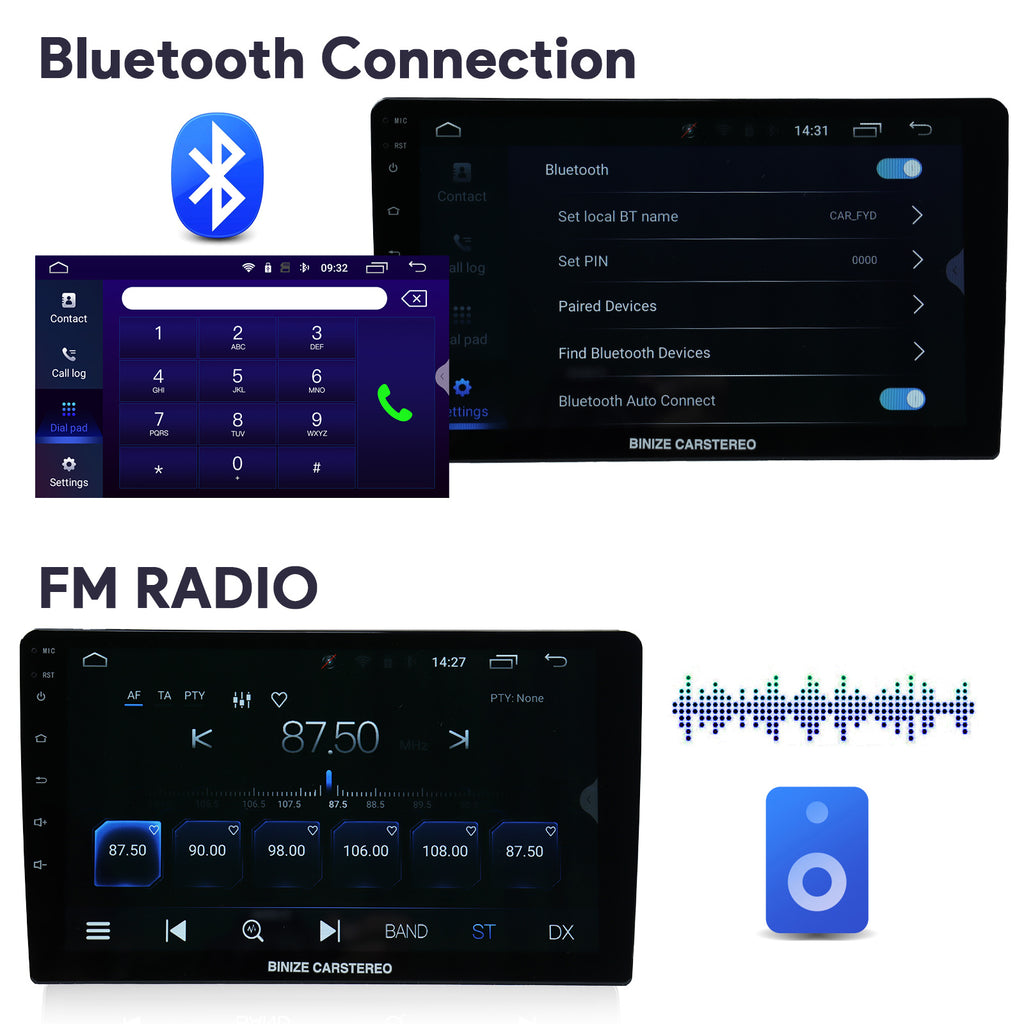
🚦【Wireless Bluetooth & FM Radio】:
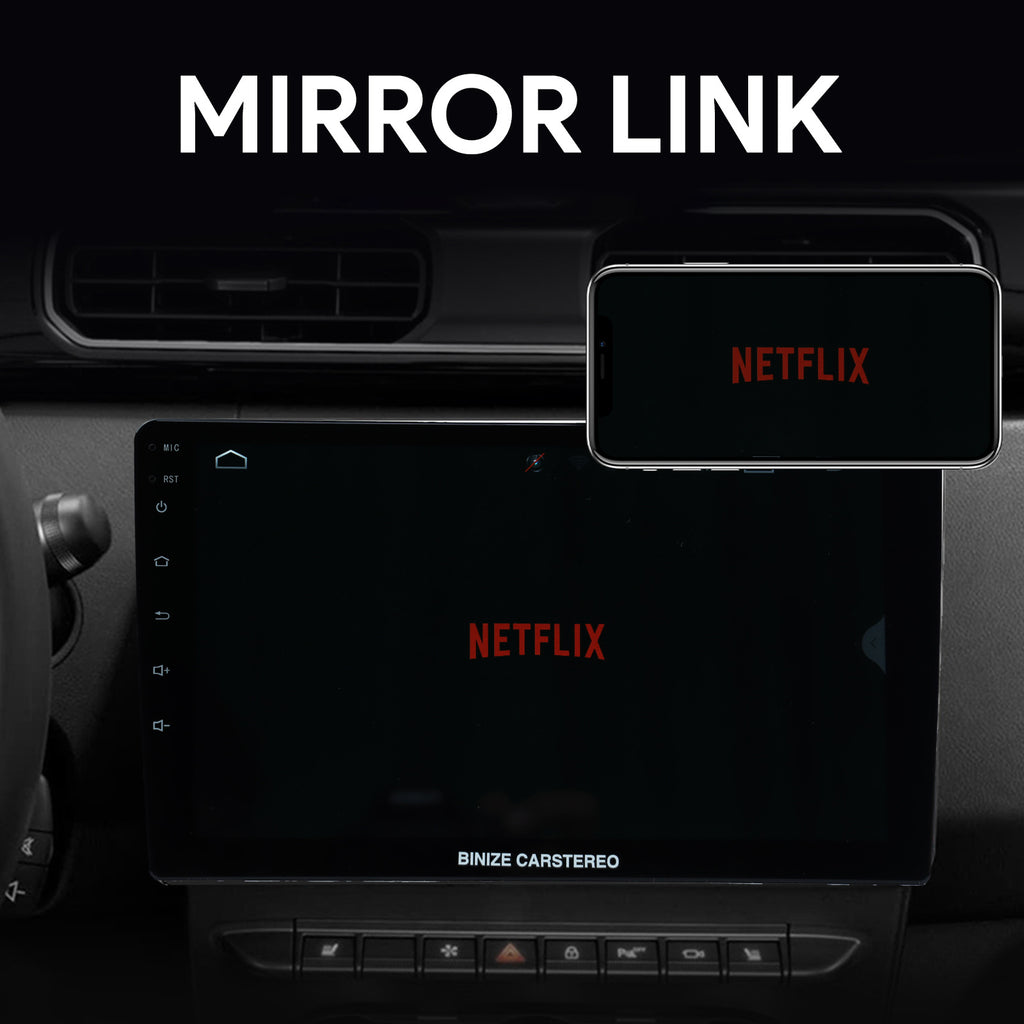
🚦【HD Mirrorlink & Video Playing 】:
FAQ:
Q: Is there a subwoofer adjustment feature in the Binize Carstereo unit?
A: Greetings from Binize! Certainly, my friend. This Binize car stereo boasts a fantastic DSP setting, allowing you to customize the volume settings to your preference.
Q: Is it compatible with a 2013 Toyota Corolla?
A: Greetings from Binize! While it can be installed in a Corolla, we recommend opting for a specially customized car stereo designed specifically for the Toyota Corolla for an optimal fit.
Q: How quickly does this Binize Carstereo boot up? Is it a fast or slow process?
A: Greetings from Binize, my friend. The boot-up time is quite swift of Binize Carstereo. However, it's worth noting that CarPlay might take a bit longer as it needs to establish a connection with your iPhone. While it always initiates in Android mode, you can easily select CarPlay as an application each time it starts.
Q: What is the voltage rating for the Binize Carstereo preamp outputs?
A: Greetings from Binize. The preamp output voltage for the Binize Carstereo is 4 * 45W.
Q: Can this Binize Carstereo support a 2 TB hard drive for playing movies?
A: Hello from Binize, the maximum supported memory of Binize Carstereofor a hard drive is 258G.
Q: What is the password for accessing the Binize Carstereo factory settings?
A: Hello from Binize, for Factory Setting, the password is 3368. If you wish to change the user interface, navigate to the settings, enter the factory setting, and on the UI Setting page, input 3369 to access various theme styles.
Q: How can I make this Binize Carstereo respond to voice commands? It recognizes "Hey Google" during Android Auto use but seems unresponsive when I ask it to perform tasks.
A: Greetings from Binize, Binize Carstereo doesn't come with its own voice assistant. It only functions during calls or when connected to the internet, allowing you to use Google, Siri, etc.