
Binize Rearview Mirror Dash Cam with CarPlay & Android Auto——T70


Binize Rearview Mirror Dash Cam with CarPlay & Android Auto——T70
NOTE:
- The memory card is NOT included in the Rearview Mirror Dash Cam packaging. Max supported 128GB TF Card.
| Brand | Binize |
| Size | Rearview Mirror Dash Cam |
| System | Wince |
| Touch Screen | Yes |
| Resolution | 2.5K |
| FM | FM transmitter |
| Navigation | Online google map |
| Built-In Mic |
Yes |
| Built-In WIFI Receiver |
Yes |
| Front Camera |
Yes |
| Reversing Camera Input |
Yes |
| Bluetooth |
Yes |
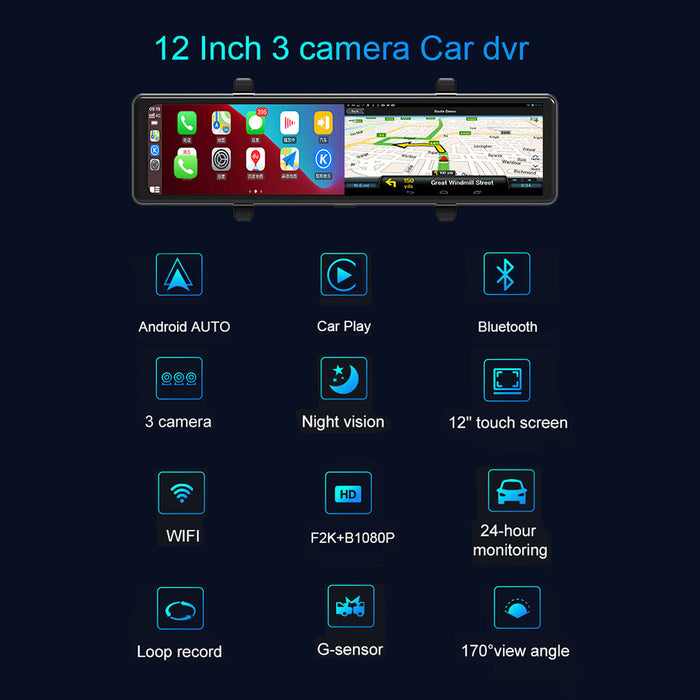
🚦【Handsfree Wireless CarPlay Connection】
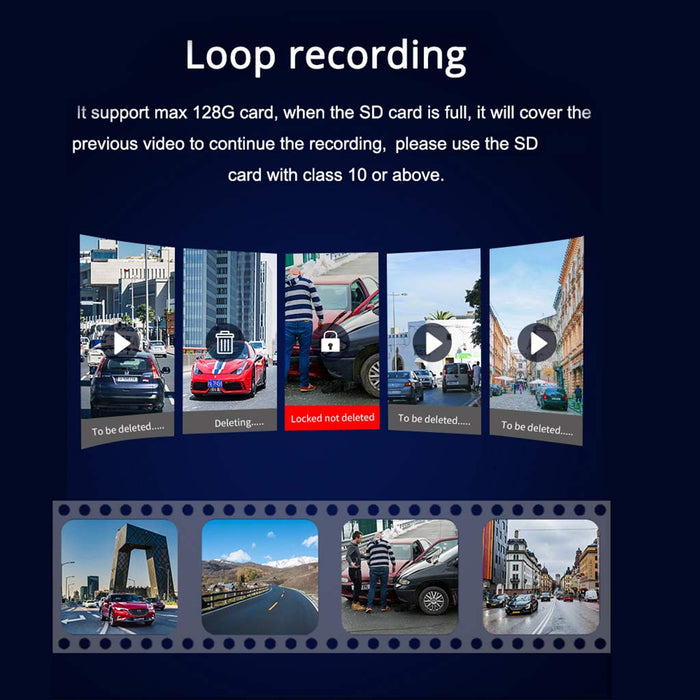
🚦【Cool Loop recording 】
🚦【24 Hours Parking Monitoring 】
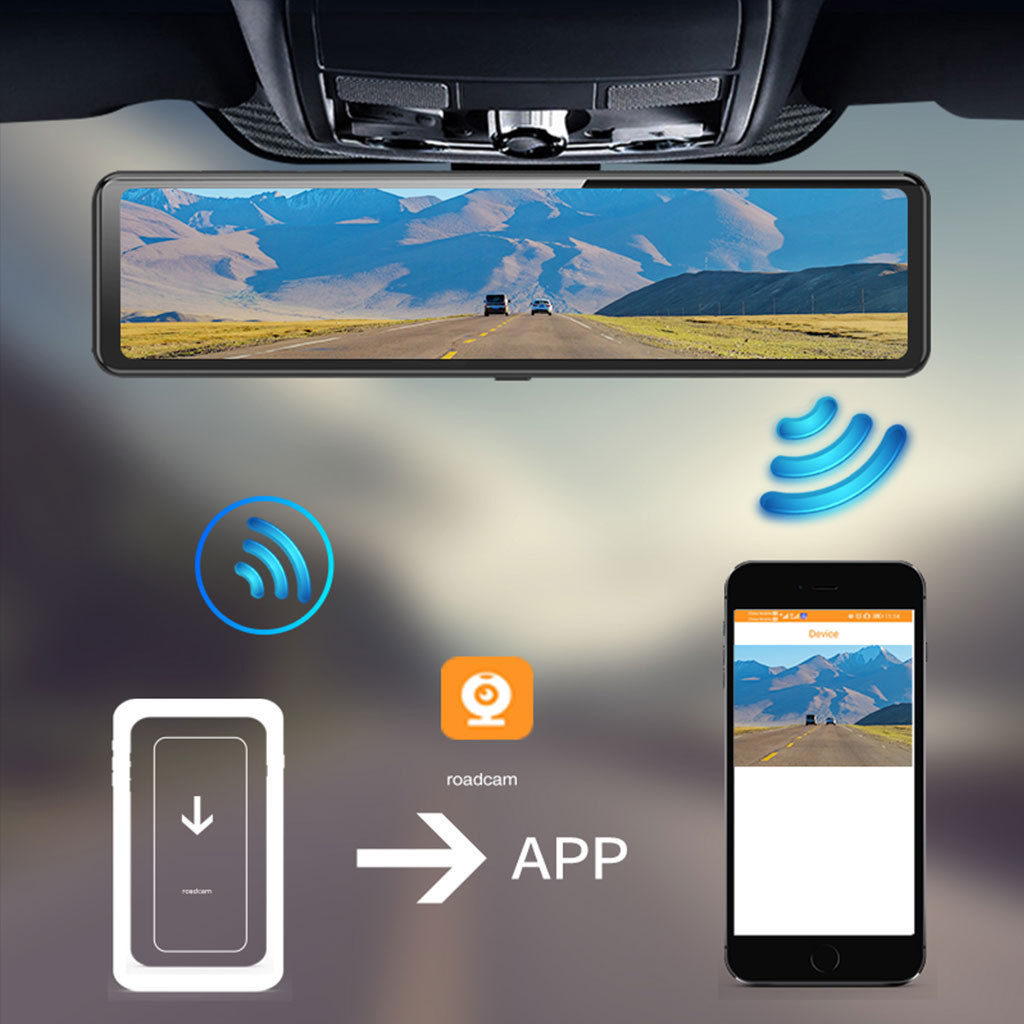
🚦【 Separate App for Easier Driving 】
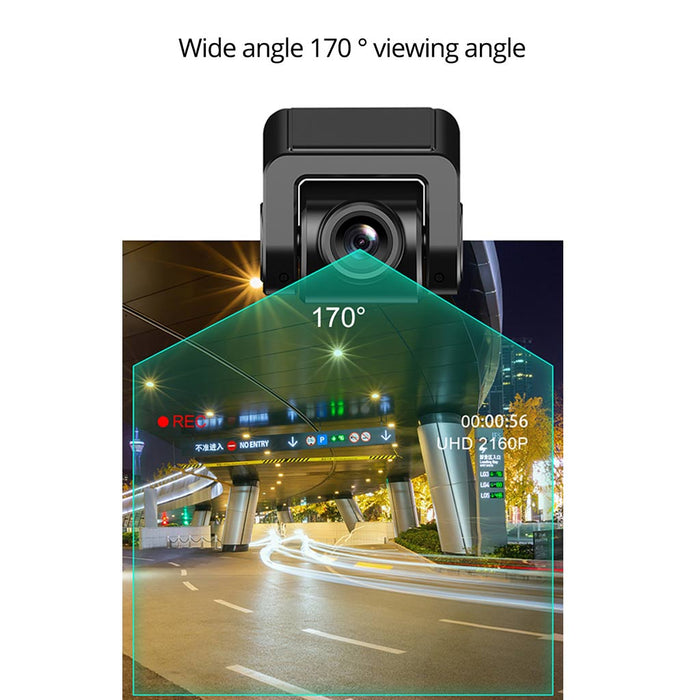
🚦【Wide Angle of Front View Dash Cam】
NOTE:
1. Please check whether the functions of the mirror Dash Cam and all its accessories are completed before installation.
2. If the recorded video takes up a lot of memory, please format the TF card regularly.
3. Highly recommend using the original accessories provided in the package to prevent compatibility issues with other accessories from the rearview Mirror Dash Cam.
4. If it's the first time using CarPlay, please pair the Bluetooth first, after that your CarPlay will work seamlessly.
FAQ:
1. Q: When the car is turned on, why it can't turn on automatically or keep shutting down and restarting?
A: Hello from Binize, we highly recommend using Binize's original car charger.
2. Q: Is the rear camera able to be used all the time instead of the mirror?
A: Hello from Binize, the mirror Dash Cam can be used all the time instead of a mirror. When the screen is off, it will work as a normal rear view mirror. After the screen is on, the rear image is several times larger than the ordinary rearview mirror. A cleaner and brighter image can get behind the car synchronously with fewer blind spots.
3. Q: I bought a 64GB SanDisk extreme and it only allows me to format to exFAT or NTSC, not fat32 as suggested. will this work??
A: Hello from Binize, my friend, this rear mirror dash cam support 64GB micro SD card, just need to format it to FAT 32 before plugging in.
4. Q: Can I use the mirror dash cam as a normal rearview mirror?
A: Yes, my friend, will just need to turn off the screen display, then you will get the real mirror image, at the same time, the dash cam will still recording.
5. Q: Will this rear camera record while driving forward or only when in the back gear?
A: Hello from Binize, It will record both at the same time, which you can check the video from the inner storage.