
Binize Wireless Tesla CarPlay Adapter for Model 3/X/Y/S —— T2C


Binize Wireless Tesla CarPlay Adapter for Model 3/X/Y/S —— T2C
Please note : Only for Europe and Asia area(except Japan), the premise of Binize Tesla CarPlay adapter use is that your Tesla supports the Driving Visualization feature, contact customer service for external needs before purchasing.
| Brand | Binize |
| Type | Tesla CarPlay Adapter |
| Wireless CarPlay | Yes |
| Bluetooth |
Yes |
| Size | 2.6 Inch*2.0 Inch*0.5 Inch |
| Power Input / Output |
5V——1A |
| WiFi Receiver | 2.4 GHz+5 GHz |
| Car support | Tesla Model 3/X/Y/S |
| Phone support |
iPhone 6 and newer, ios 10 and newer |
🚦【Add Wireless CarPlay to Tesla】:
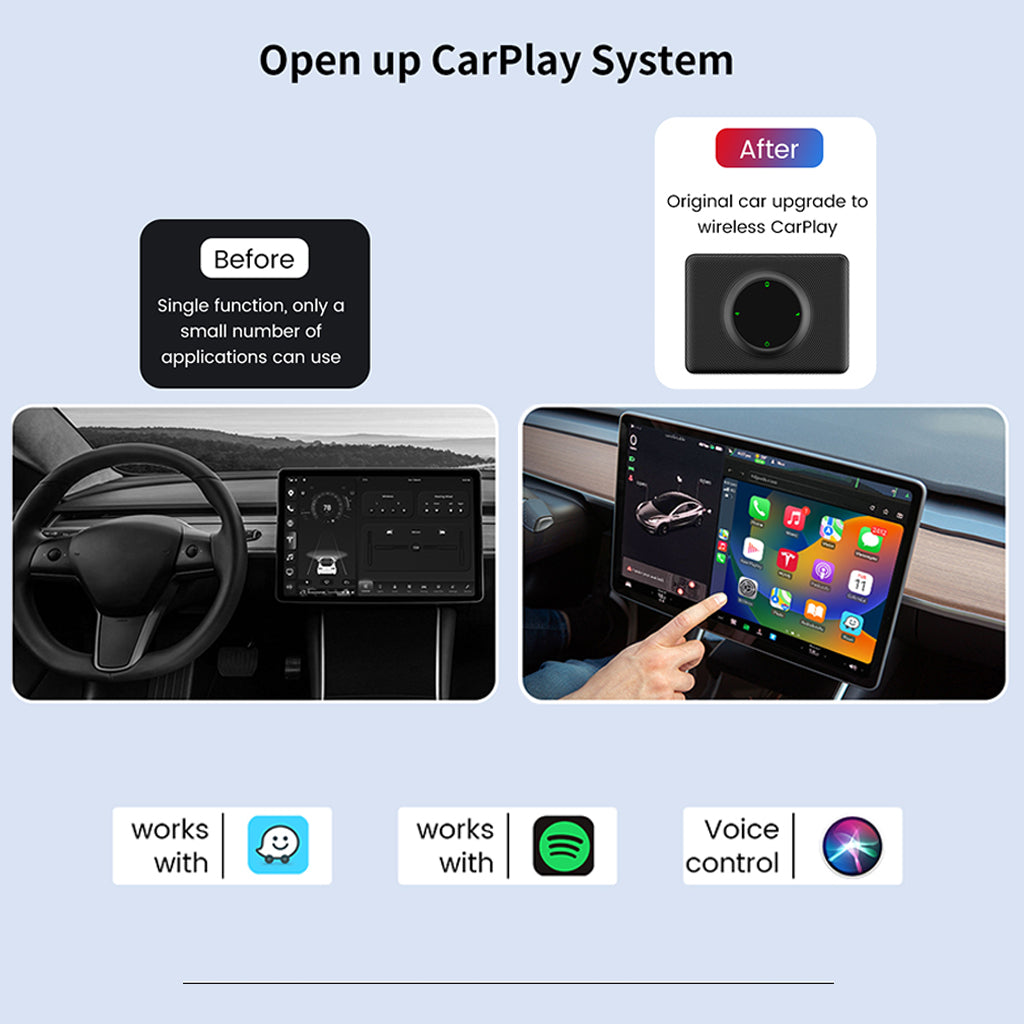
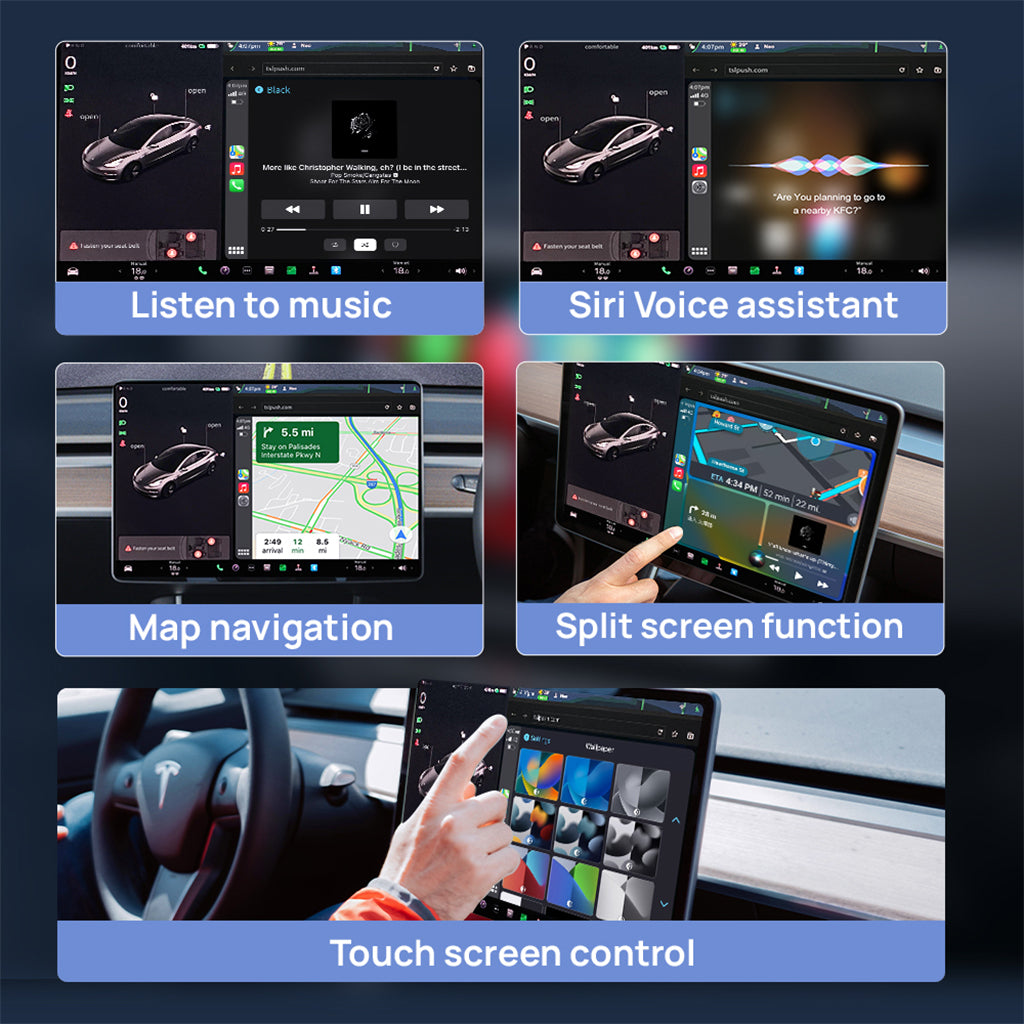
🚦【Cool Original Upgrade of Tesla】
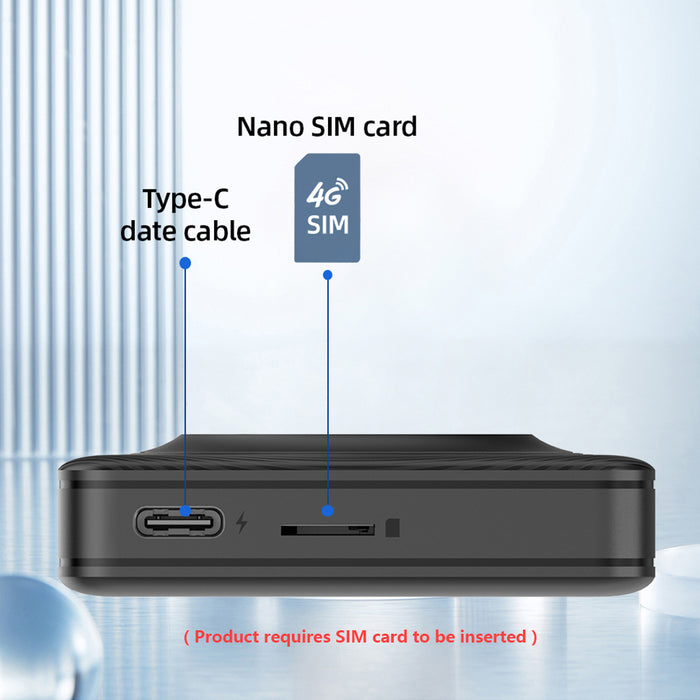
🚦【Rely on SIM Card to Provide Internet】:
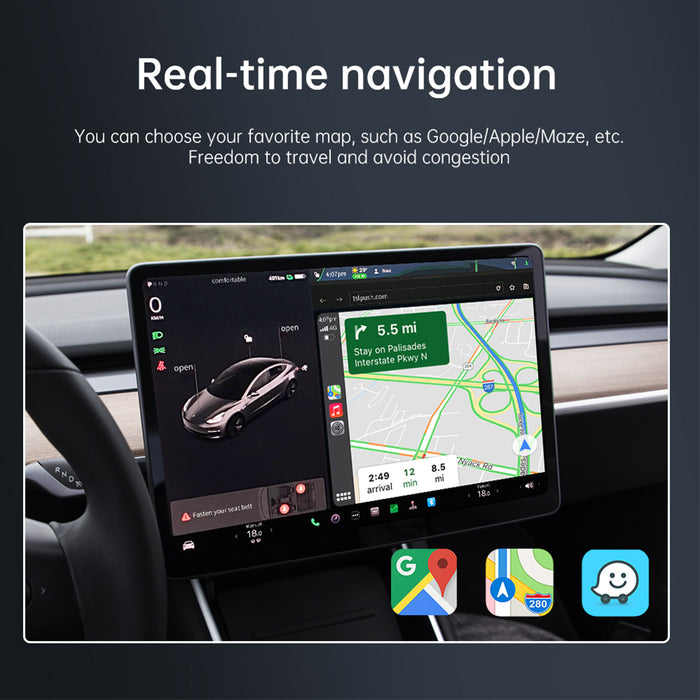
🚦【Real-time Navigation 】:
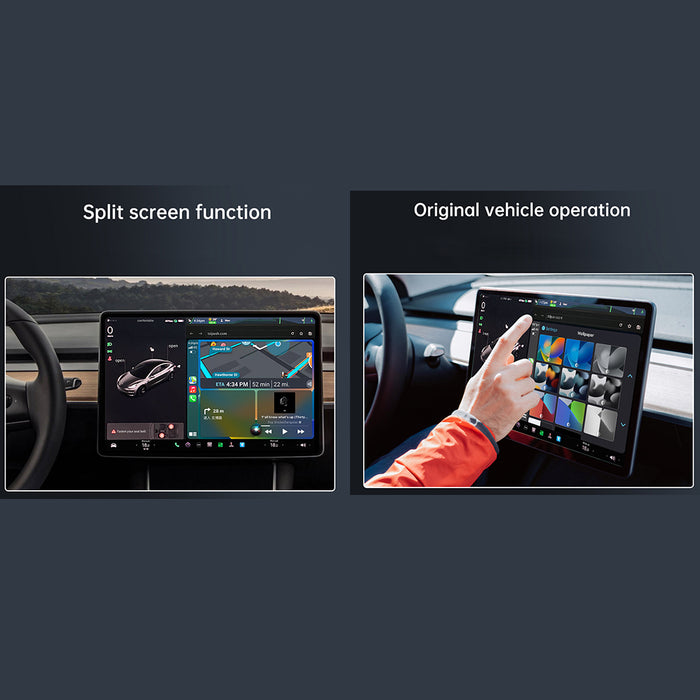
🚦【Cool Split Sreen 】:
Binize Wireless Tesla CarPlay Adapter connection steps
- Prepare a normal Nano SIM card and get it plugged in
- Plug Binize Tesla CarPlay Adapter via the USB cable included
- Go to the Tesla touchscreen WiFi setting page, search for the adapter's WiFi, and pair.
- Password: 88888888, make sure the "Stay connected during driving" option is chosen.
- Open a new browser page, and input this URL: http://tespush.com
- Turn on your iPhone wifi, then search for the adapter Bluetooth, then pair
- Approve the permission for Using CarPlay
- If you are using Binize Tesla CarPlay adapter, we highly recommend bookmarking the URL mentioned above and forgetting all previous Bluetooth pairs.
NOTE:
The performance of this Tesla CarPlay Adapter depends on the characteristics of your original Tesla configuration.
Q&A
Q: What's the difference between this Tesla CarPlay adapter and the Tesla Touch screen?
A: Hello from Binize, this adapter is plug and play, no need for complicated installation steps, just plug and play. Get rid of expensive installation services.
Q: What's the principle of this Tesla CarPlay?
A: Hello from Binize, in essence, it communicates with each other through Bluetooth and WiFi, and then visit the server under the URL: http://tespush.com to realize CarPlay feature in the browser.
Q: Why my Tesla Model 3 cannot work with it?
A: Hello from Binize, please make sure these 2 things:
①Insert a Nano Sim card
②Choose "Stay connected during driving".
Q: Why I will need this adapter?
A: Hello from Binize, I believe that there must have been some problems with using the map of the Tesla system, as well as some cases of not being able to check your iPhone message anytime and anywhere easily. The Tesla CarPlay adapter loads your usage habits directly onto your Tesla car, making it easy to upgrade with one click without any complicated installation steps.