
Wireless CarPlay BOX for Toyota Sequoia 2023 2024


Wireless CarPlay BOX for Toyota Sequoia 2023 2024
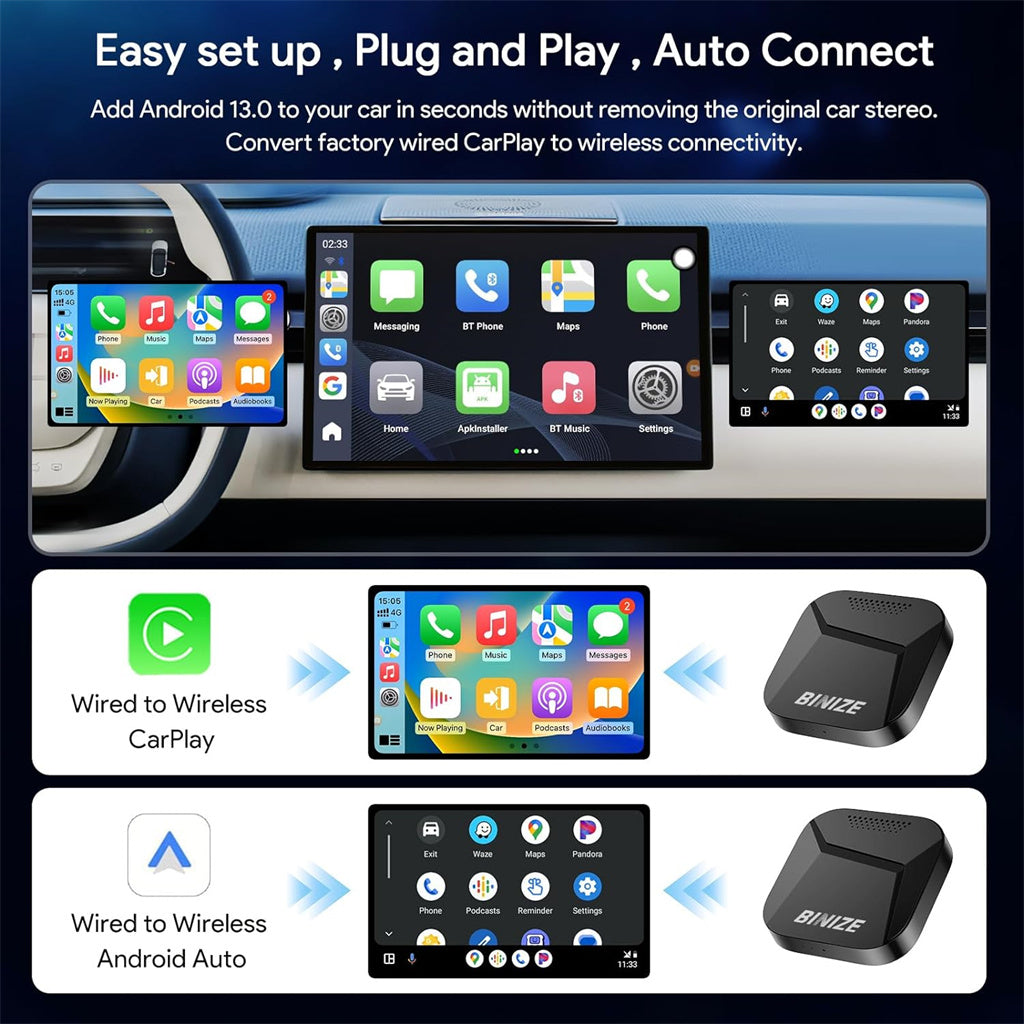
Please note that Binize Wireless CarPlay BOX for Toyota Sequoia 2023 2024 is only suitable for the Factory car with wired CarPlay and touch screen, contact customer service for external needs before purchasing.
| Brand | Binize |
| Type | Wireless CarPlay BOX for Toyota Sequoia 2023 2024 |
| Storage |
4GB(RAM)+64GB(ROM) 8GB(RAM)+128GB(ROM) |
| System | Android 13 |
| AutoPlay | Yes, Both for iPhone CarPlay and Android Auto (not for Samsung) |
| Mirrorlink |
Yes, Both for iPhone and Android (not for Samsung) |
| Built-In WIFI Receiver |
Yes |
| Bluetooth |
Yes |
| TF card slot |
Yes |
| SIM card slot | Yes |
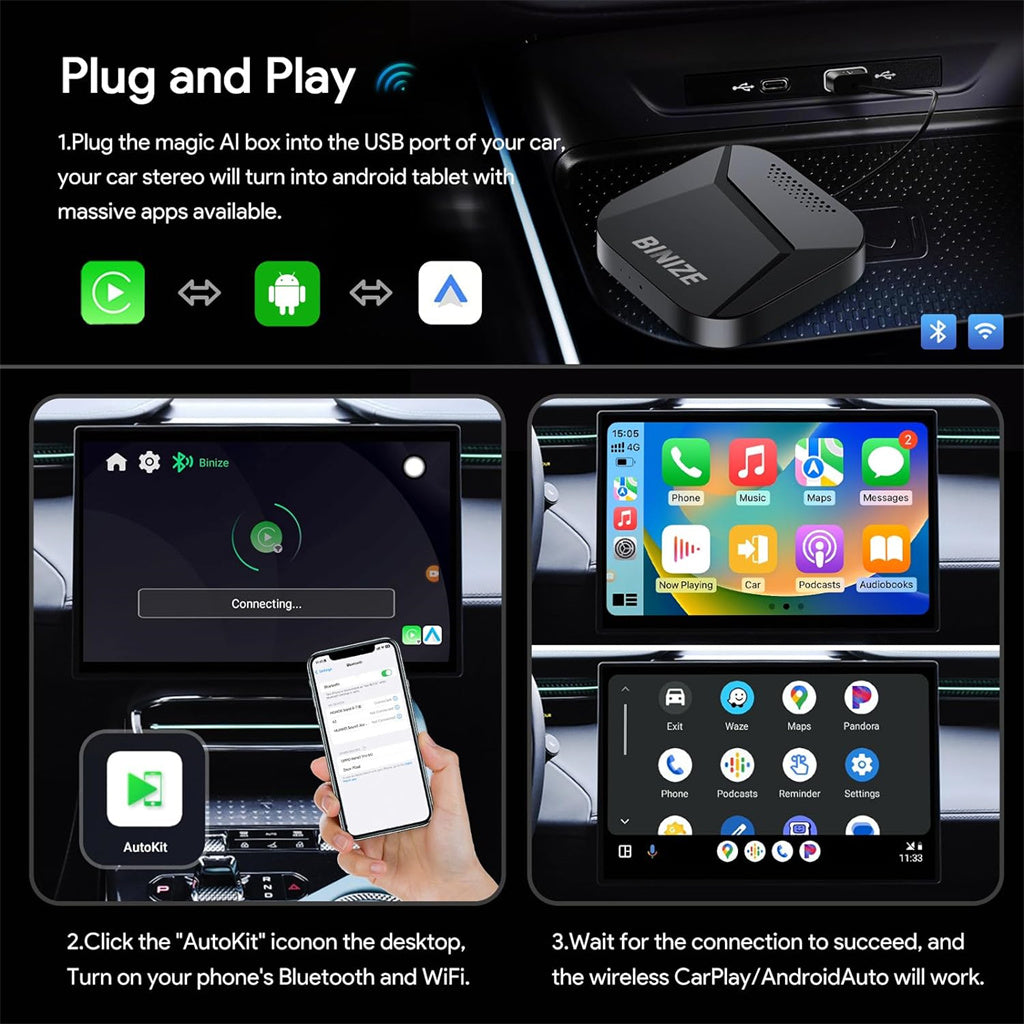
Binize Wireless CarPlay BOX for Toyota Sequoia 2023 2024
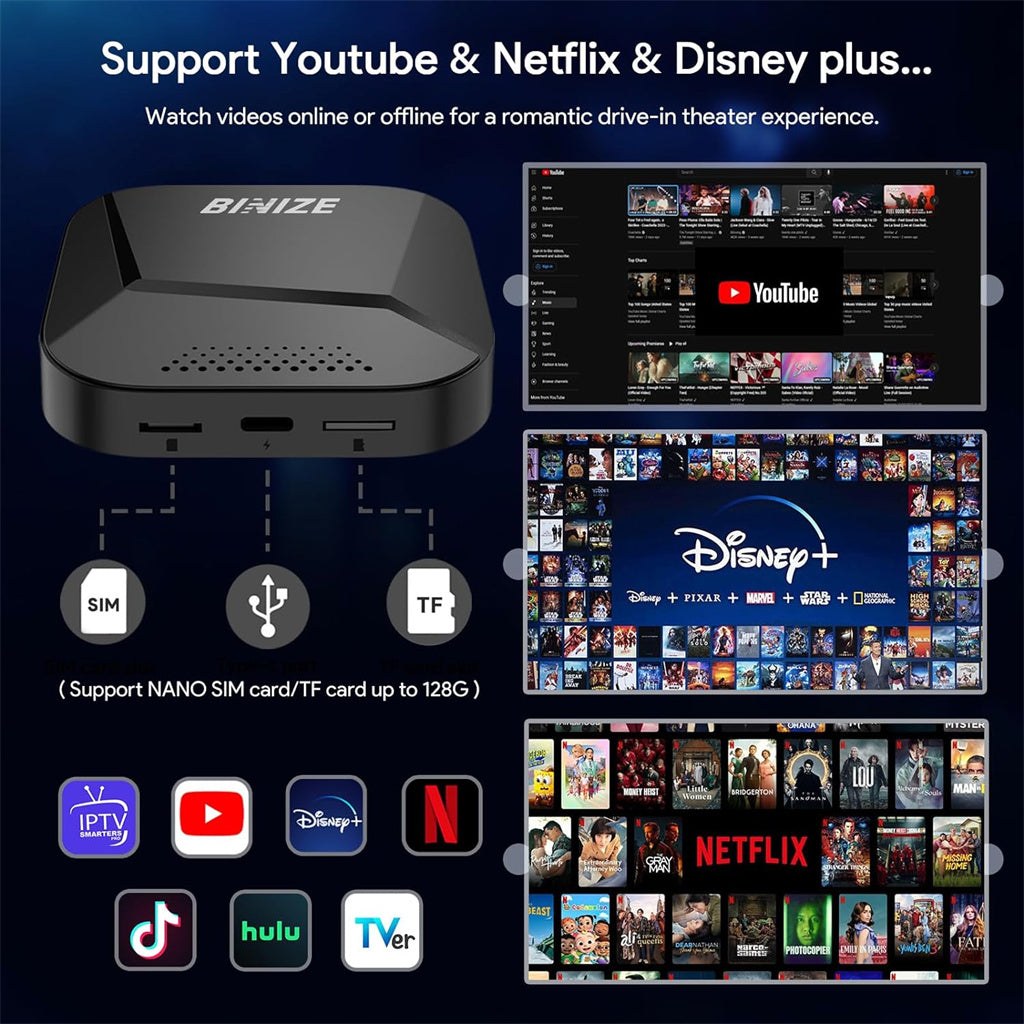
- Support using a micro SD card to update the firmware.
- Support dual autoplay - wireless CarPlay & wireless Android Auto.
- Support all cell phone systems, regardless of Android or Apple-specific versions, this newest wireless CarPlay BOX can be adapted to a variety of cell phone systems.
- Support with 2.4G wifi and 5G wifi, which realizes a stronger anti-interference ability and higher transmission efficiency. To provide a stable and cool CarPlay experience.
NOTE:
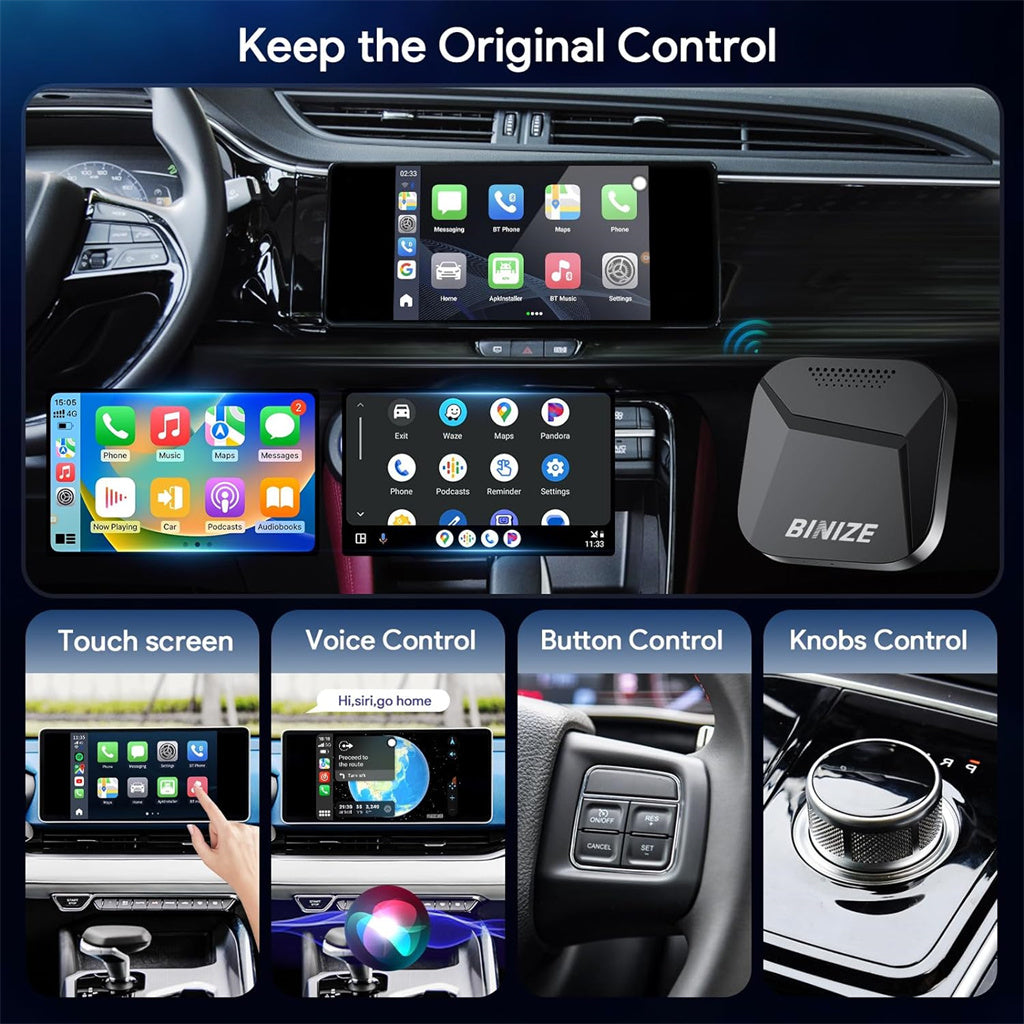
The performance of this Binize Wireless CarPlay BOX for Toyota Sequoia 2023 2024 depends on the characteristics of the original car stereo, only suitable for touchscreen car stereos.
Q&A
Q: Has anyone managed to get Hey Google to function properly?
A: Greetings from Binize! Generally, if your Wireless CarPlay BOX for Toyota Sequoia 2023 2024 is connected to a fast Wi-Fi network and logged into your Google account, it should work smoothly. If the Google Voice Assistant on your device isn't functioning, please ensure that your device's system is up to date.
Q: How can I establish a security PIN to secure the Wireless CarPlay BOX for Toyota Sequoia 2023 2024?
A: Greetings from Binize! Apologies for any inconvenience, but currently, none of the Binize Box devices support PIN setup. This decision is due to instances where customers forget their PIN, and unfortunately, there's no way to retrieve it without the correct password.
Q: What's the password for accessing factory settings?
A: Greetings from Binize! At your convenience, please attempt 4545. Also, kindly refrain from altering any data within the factory settings, as all settings have been carefully configured before leaving the factory. Any modifications may lead to system instability.
Q:The manual mentions connecting a Bluetooth controller for gaming, but I can't find instructions or compatible apps. Any suggestions?
A: Greetings from Binize! When you have a moment, you can try this method: Navigate to the Bluetooth app, select "Other devices" like a remote control, then choose "Connected devices" and click "Pair." Long-press the OK and RETURN buttons on the controller to initiate pairing.
Q: Can you verify if I can utilize navigation apps such as Waze and Apple Maps without a SIM card or using a hotspot?
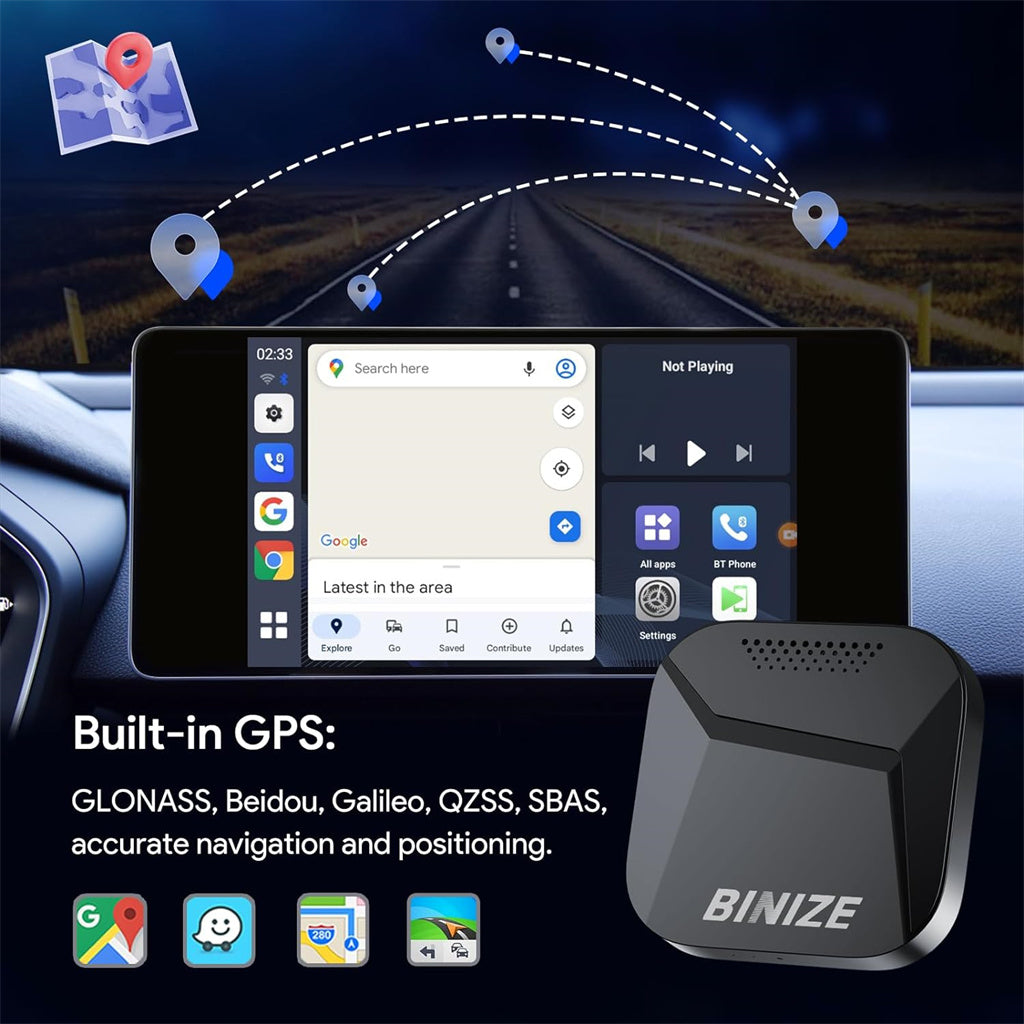
A: Greetings from Binize! My friend, to access online maps, you'll need to connect the device to the internet since it requires both the internal GPS and internet connection. For the device, there are two options for internet access: using a SIM card or connecting to a Wi-Fi network or phone hotspot.